Correct your creator and channel links
Channels lets you check the public accounts attached to a creator. Support can help with wrong handles, rebrands or duplicates.
Using your phone? Open these settings in the Socialstats app, or use the links below on a computer.
Open Profile Settings → Channels for the intended creator. Compare each listed URL with the creator’s official channel. Use the editing controls offered there, or send Support the correct URL if a link cannot be changed.
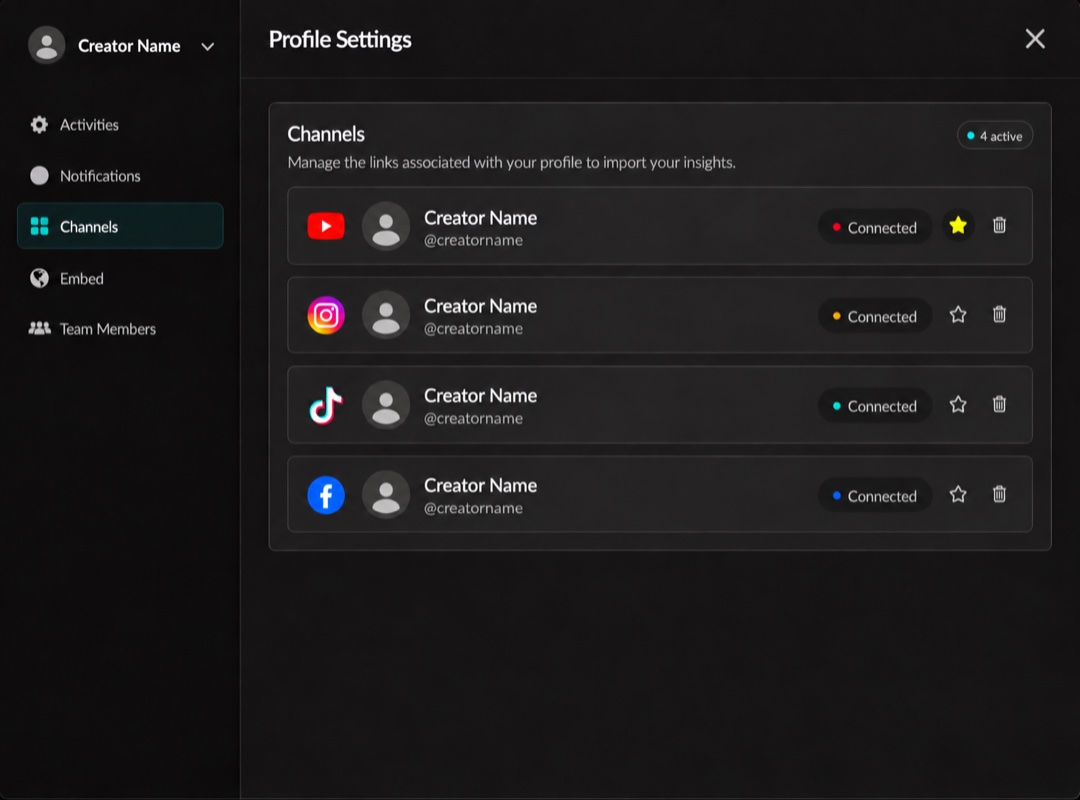
Linked platforms and their connection status. Click the image to enlarge it.
For a rebrand or duplicate creator, include the old and new handles and any affected Socialstats URLs. Explain which channels should remain together.
Changing a link does not automatically grant private insights: authorize the channel separately. Avoid authorizing a channel that belongs to another creator.