Choose your notifications
Choose the platforms you want alerts from, then allow notifications on your device.
Using your phone? Open these settings in the Socialstats app, or use the links below on a computer.
Open Profile Settings → Notifications for the profile you follow. Select the platforms you want push alerts from. If a different profile opens, switch to the intended one first.
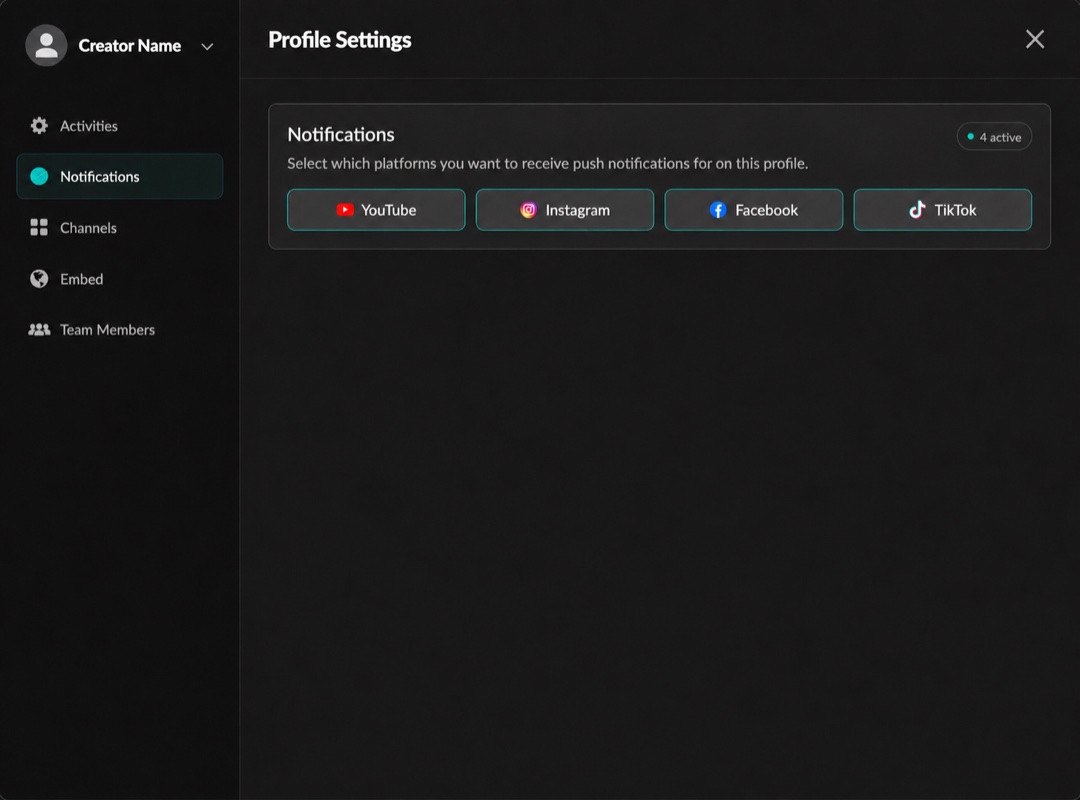
Choose the platforms you want notifications from. Click the image to enlarge it.
Also allow notifications for Socialstats in your phone’s system settings. Check Focus/Do Not Disturb and notification permissions if the app is not alerting you.
Profile Settings → Activities controls the activity types shown in the feed; it is separate from the notification-platform selection.
Alerts depend on new supported activity being detected. For a missing alert, send Support the profile, expected activity, platform and date, plus your device and app version.